

WICRESET.PRO Reset Key

32,00 zł

One digital key for a waste ink counter reset on a supported Epson or Canon printer. Your unused key has no expiry date.

After a reset, the key remains valid for the same printer for another 24 hours.

Description

WICRESET.PRO RESET KEY · EPSON AND CANON

Reset the counter. Do more with your printer.

WICRESET.PRO – Counter reading and resetting, printhead cleaning, test prints, service functions
1 reset per keyAutomatic email deliveryUnused keys never expire
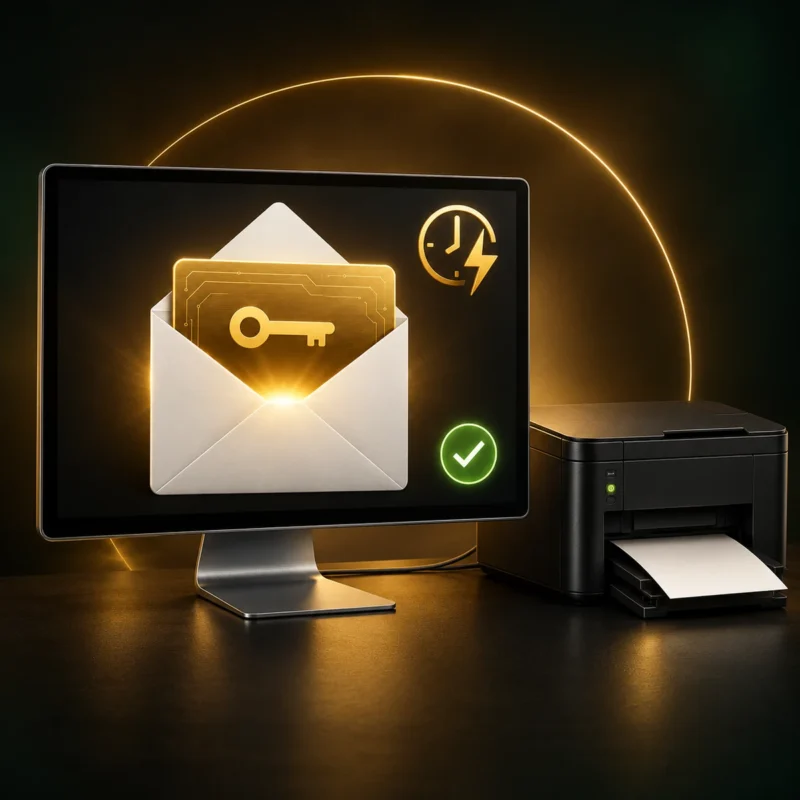
Illustration of a digital key delivered by email, with a printer beside the monitor

YOUR KEY TO A RESET

One key.
Straight to your inbox.

Keys are sent automatically as soon as payment for your order is confirmed.

Enter your key in WICRESET.PRO and follow the instructions to reset the counter.

1reset per key
No expiry date
before use
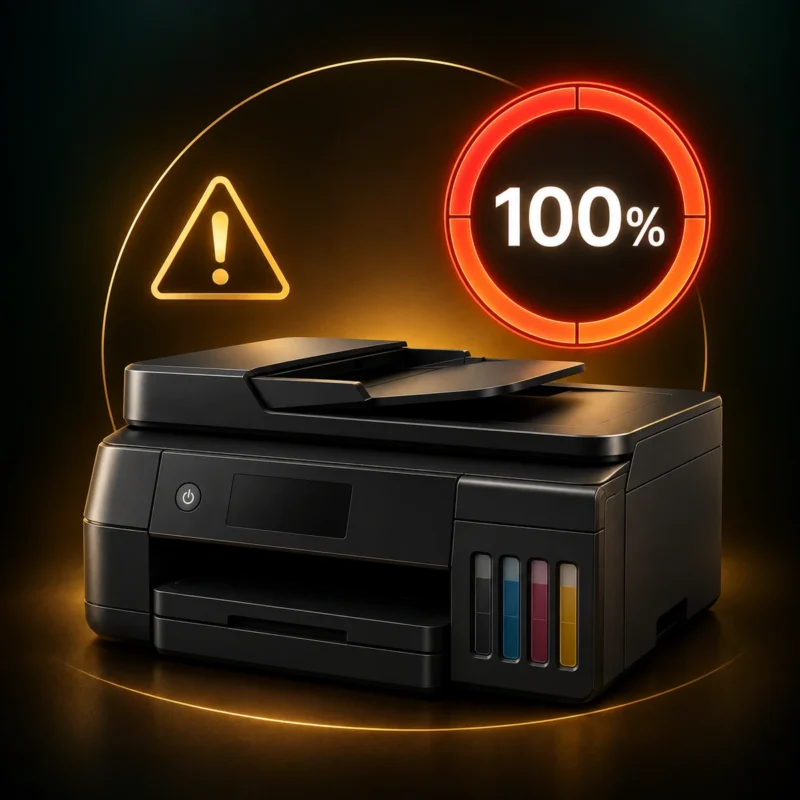
Illustration of a printer with a warning symbol and a counter reading 100 percent

COUNTERS AND DIAGNOSTICS

Understand what
your printer is telling you.

An ink absorber warning or a printer error? Read the information in WICRESET.PRO and choose the right next step.

  • Read the counters

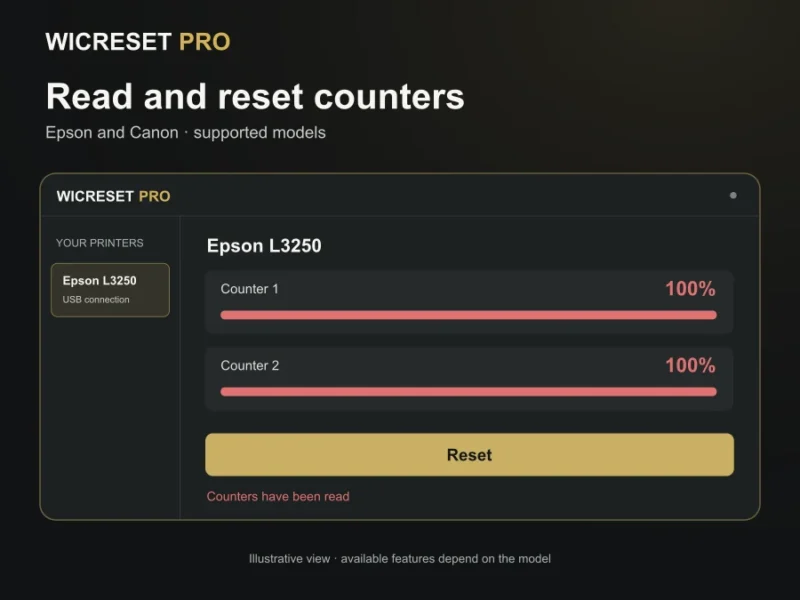
    See the usage level recorded by the ink absorber counter. Check its value before and after a reset.

  • Diagnostics and resets

    Counter reading and resetting, error codes and their descriptions, service-mode instructions

SELECTED EPSON MODELS

Free reset to 80%

On selected Epson printers, you can reset the waste ink counter to 80% free of charge. Check whether this feature is available for your model directly in WICRESET.PRO.

Download the app and check

FREE OF CHARGE

Android smartphone connected via Wi-Fi to an Epson printer

QR code to download WICRESET.PRO for Android

Scan to download the Android app

Download for Android

EPSON · Wi-Fi · Android

Reset your Epson from your phone

If you have an Epson printer with Wi-Fi, you can also reset it using our Android app.

Before buying a key, download the app and check that it can read the counters on your printer.

The app includes:

  • Waste ink counter reading
  • Waste ink counter reset
  • Free reset to 80%
  • Service functions
  • Test print functions
  • Print head cleaning functions
Printer with a cyan, magenta, yellow and black nozzle-check print

CLEANING AND TEST PRINTS

Take care of
every print.

Gaps in lines or missing colours? WICRESET.PRO gives you tools to assess print quality and check the results of cleaning.

  • Printhead cleaning

    Run a supported cleaning procedure directly from the app.

  • Nozzle checks and test prints

    Check for unbroken lines and consistent colours. Compare the results before and after cleaning.

Illustration of a Canon-style printer with a service-tools symbol

CANON · SERVICE MODE

Prepare your printer.
The app shows you how.

Resetting the ink absorber counter on a supported Canon printer requires putting it into service mode.

WICRESET.PRO includes animated instructions for supported Canon models. Select your printer, open the guide in the app and see exactly which buttons to press and in what order.

Step-by-step animated guide inside WICRESET.PRO

Once the printer is in service mode, read the counter and perform the reset in the app.

INSIDE THE APP

WICRESET.PRO

Printhead cleaning, nozzle checks, error reading and counter resets in one place.
WICRESET.PROPRO
Detected printers:

Epson L3250

Search Printers

CountersEpsonCanon

Epson service

Epson L3250

Maintenance

Nozzle check and test printsCleaning and ink fillingPrinter memory reportPrinthead identifierPrinter statusClear error history
WICRESET.PROPRO
Detected printers:

Canon G3410

Search Printers

CountersEpsonCanon

Canon service

Canon G3410

Maintenance

Service printNozzle checkPrinthead cleaningDeep cleaningPrinter memory reportRead current error
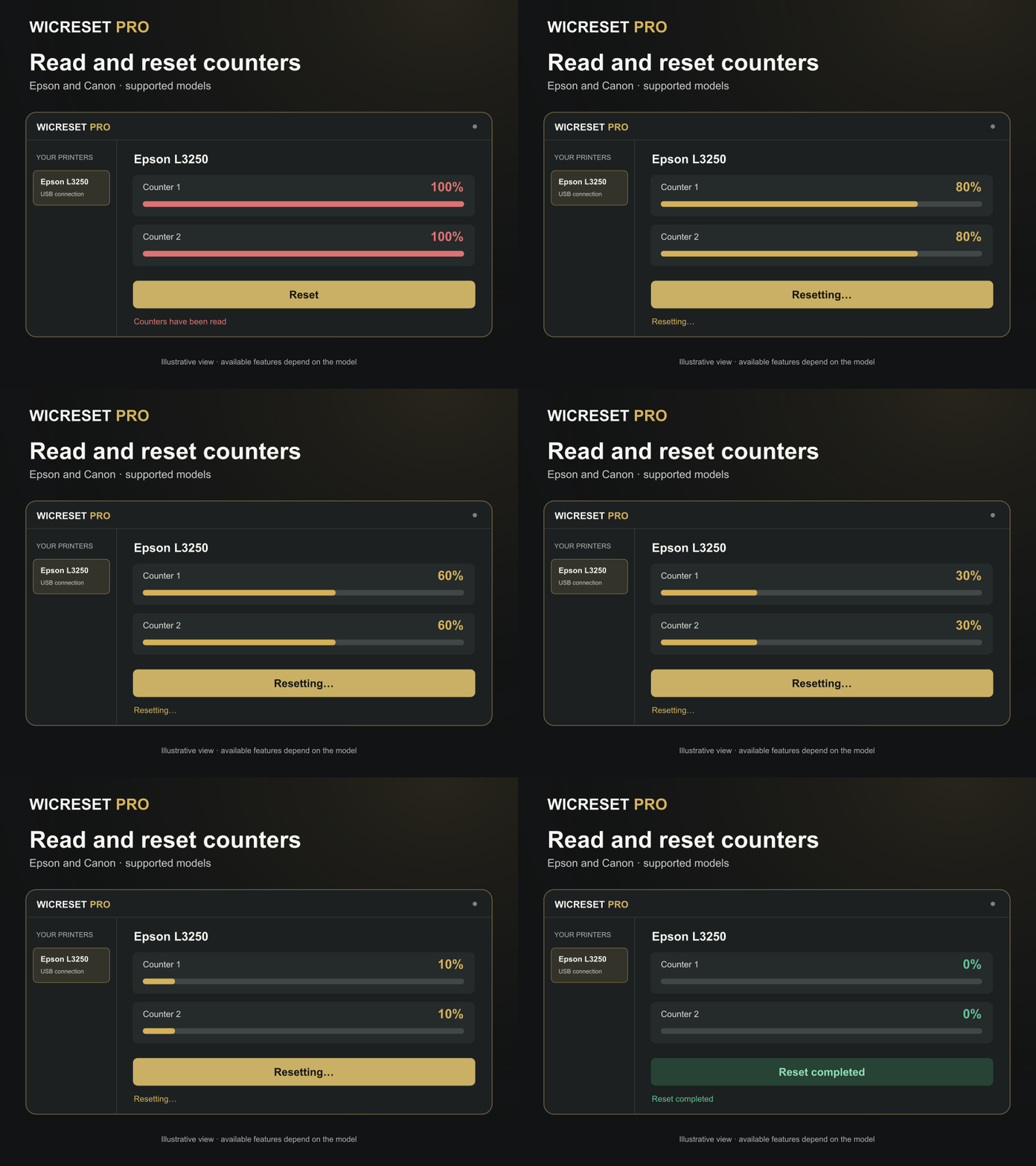
Waste ink counters before and after a reset
Animated example of waste ink counters returning to zero after a reset

Available features depend on the printer model, operating system and connection method.

FROM DIAGNOSIS TO RESET

Three steps. All in one app.

Watch the video guide

  1. Download and check your model

    Install the app and confirm that your printer is supported.

  2. Read the counter

    Connect your printer and check its status in the app.

  3. Enter your key and reset

    Follow the instructions for your printer model.

Resetting the counter does not clean or replace the physical ink absorber. If it needs maintenance, follow the printer manufacturer’s recommendations.

Download WICRESET.PRO

Download WICRESET.PRO

Choose your operating system. Before buying a key, connect your printer and check that the app can read its counters.

Windows 10/11 · 64-bitWindows 7/8 · 32/64-bitmacOS · IntelmacOS · Apple SiliconAndroid · Epson Wi-Fi

Reviews

There are no reviews yet.

Be the first to review “WICRESET.PRO Reset Key”